

Customer Portal

Order parts, manage your account, and keep your operation running.

Order Parts Online

Quickly access your Ag-Power Customer Portal to order parts, manage your account, and keep your operation running smoothly.
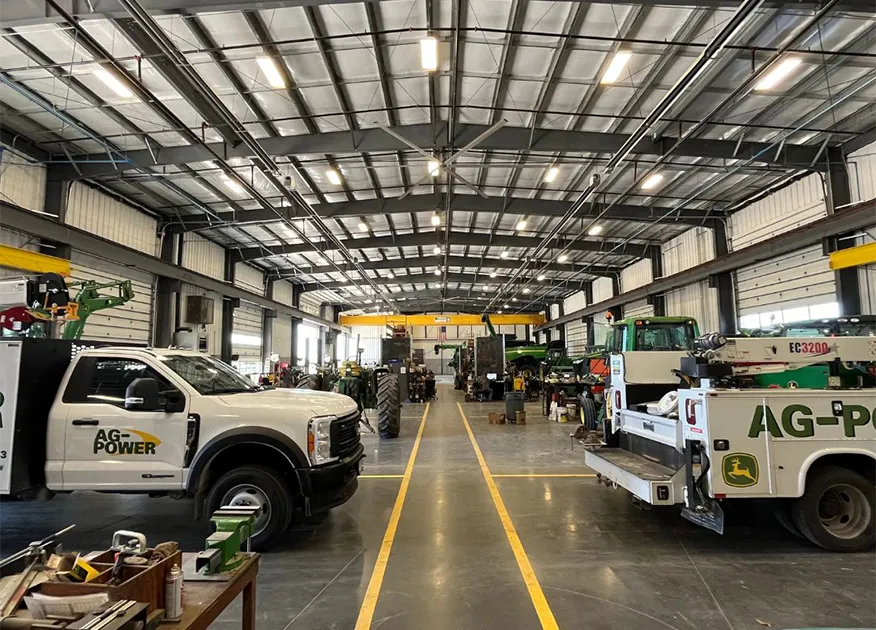
Ag-Power Shop
Customer Portal

Get Started Online

Create or access your Ag-Power Customer Portal account to order parts, review account details, and manage your equipment needs online.

  1. Click the Ag-Power Customer Portal button.
  2. Select "Sign In" to access your account.
  3. Choose "Sign Up Now" to create a new account.

Access Your Account Anytime

Log in to order parts, review invoices, and manage your equipment in one place.

Online Parts Ordering

Order as a guest or with your customer account.

Online Invoicing

View balances, print invoices, and pay unpaid invoices online.

Transaction History

View, search, and sort your parts, service, and sales records.

Rental Contracts

View any and all rental contracts you may have.

Equipment Database

Request to add, modify, or remove equipment from your records.

Parts Locker

Create and manage parts lockers for stocking and seasonal needs.

Service Requests

Submit online service requests any time of day or night.

Used Equipment

Browse used equipment currently available for sale.

Equipment Search